Here's the thing about running a hackathon with seven different web apps: authentication becomes a nightmare real quick. Every subdomain was doing its own thing, users were getting logged out constantly, and don't even get me started on the CORS errors (we'll get to those later).
So I did what any sane developer would do at: I decided to completely rewrite our entire auth system. Because that's always a good idea, right?
Here's what we desperately needed:
Single sign-on across all *.hackpsu.org subdomains
Secure, HTTP-only session cookies (no more token juggling in localStorage)
Role-based access with custom claims
Analytics integration to actually track who's logging in
Simple client-side hooks that wouldn't make our React components cry
What I discovered over the next few sleepless weeks was a solution that actually worked, and I'm going to walk you through exactly how we built it, including the mistakes we made (spoiler: there were many).
The Real Problem: Seven Apps, Seven Headaches
You know what's fun? Managing authentication across seven different subdomains. Here's what we were dealing with:
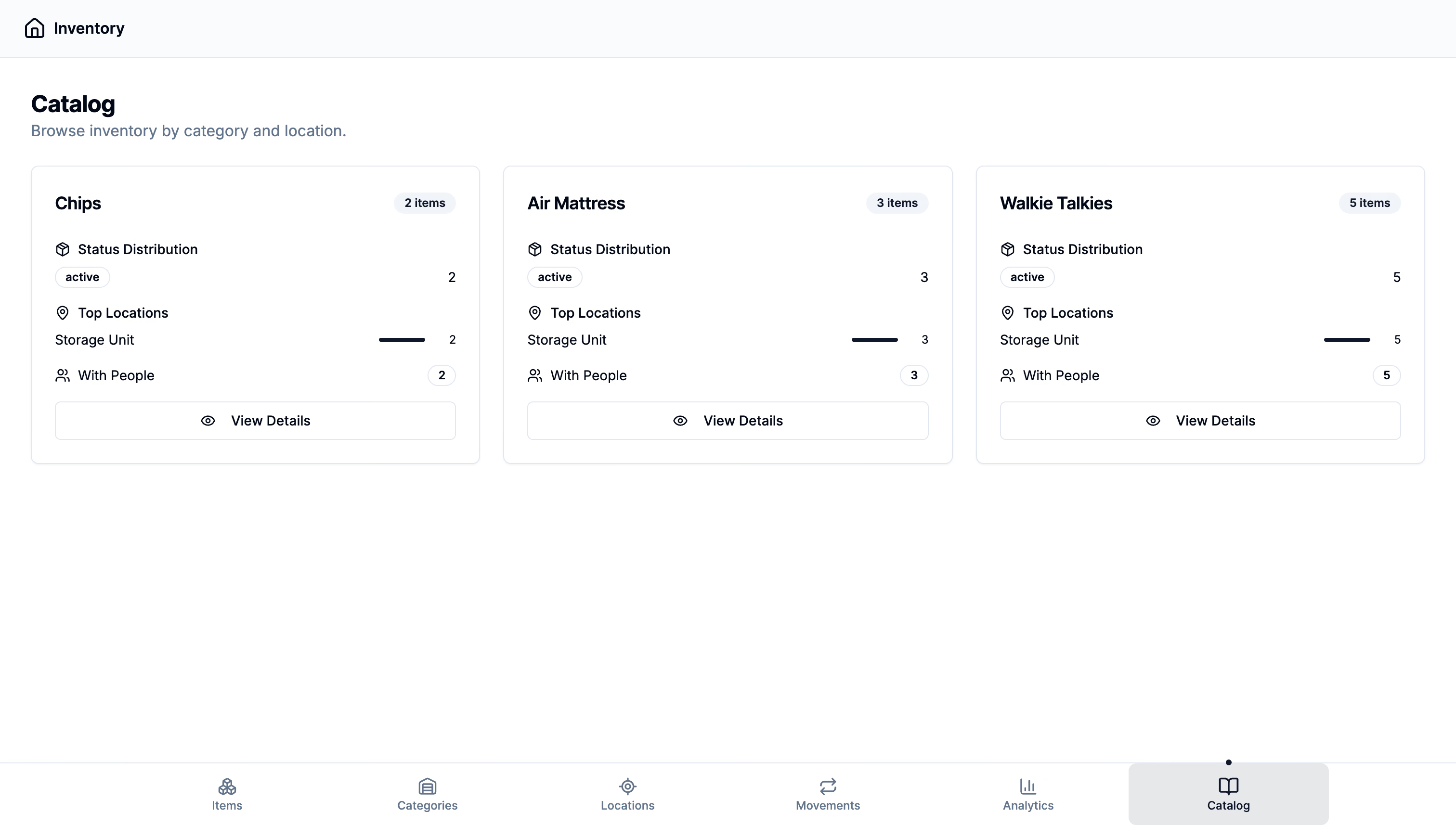
hackpsu.org (main landing page)
admin.hackpsu.org (our admin dashboard)
emails.hackpsu.org (email campaign tool)
sponsors.hackpsu.org (sponsor portal)
inventory.hackpsu.org (inventory management)
finance.hackpsu.org (finance tracking)
checkin.hackpsu.org (event check-in system)
Each app had its own Firebase client setup, its own redirect flows, and its own way of handling tokens. Users would log into the admin dashboard, then click over to the inventory system and surprise! They'd have to log in again. Every. Single. Time.
The worst part? Our organizers were constantly getting locked out during events because they'd lose their session jumping between apps. Picture trying to manage 500 hackers checking in while you can't access half your tools. Yeah, not great.
Here's where things got interesting: we needed one session cookie that would work across .hackpsu.org and all its subdomains, with proper HTTP-only and secure flags. No more localStorage token shenanigans, no more manual cookie juggling. Just seamless auth that actually worked.
The "Aha!" Moment: One Cookie to Rule Them All
After way too much coffee and reading Firebase docs until my eyes bled, we figured out our approach. Here's the flow we landed on (and trust me, this took several failed attempts to get right):
Drag to pan · Arrow keys to move
Loading diagram…
Our final authentication flow (simpler than it looks, I promise)
Here's how this actually works in practice:
User logs in through Firebase client-side (either email/password or OAuth, we support both)
We grab the idToken and POST it to our /api/sessionLogin endpoint
Firebase Admin SDK creates a 5-day session cookie and sets it on .hackpsu.org
From that point on, every request to any subdomain includes this cookie automatically
The beautiful part? No more token management in our React components. No more localStorage. No more "why am I logged out again?" Just pure, simple cookie-based auth that works everywhere.
The Code: Session Login API (Where the Magic Happens)
// /pages/api/sessionLogin.tsimport{NextRequest,NextResponse}from'next/server'importadminfrom'@/lib/firebaseAdmin'import{serialize}from'cookie'exportasyncfunctionPOST(req:NextRequest){const{idToken}=awaitreq.json()constexpiresIn=5*24*60*60*1000// 5 daysconstsessionCookie=awaitadmin.auth().createSessionCookie(idToken,{expiresIn})constcookieHeader=serialize('__session',sessionCookie,{httpOnly:true,secure:process.env.NODE_ENV==='production',maxAge:expiresIn/1000,path:'/',domain:'.hackpsu.org',// This is the key: works across all subdomains!sameSite:'strict',})constres=NextResponse.json({status:'ok'},{status:200})res.headers.set('Set-Cookie',cookieHeader)returnres}
That domain:'.hackpsu.org' line? That's doing all the heavy lifting. Set it to the parent domain with a leading dot, and boom! Every subdomain gets access to this cookie. The HTTP-only and SameSite=strict flags are our security insurance policy (no XSS attacks reading our cookies, thank you very much).
Logout: The Cleanup Crew
// /pages/api/sessionLogout.tsimport{NextRequest,NextResponse}from'next/server'importadminfrom'@/lib/firebaseAdmin'import{serialize}from'cookie'exportasyncfunctionPOST(req:NextRequest){constcookie=req.cookies.get('__session')?.valueif(cookie){constdecoded=awaitadmin.auth().verifySessionCookie(cookie,true)awaitadmin.auth().revokeRefreshTokens(decoded.uid)// Nuclear option: kill all sessions}constexpired=serialize('__session','',{maxAge:-1,// Time machine to the pastpath:'/',domain:'.hackpsu.org',httpOnly:true,sameSite:'strict',})constres=NextResponse.json({logout:true},{status:200})res.headers.append('Set-Cookie',expired)returnres}
Here's something they don't teach you in CS classes: proper logout is harder than login. We're not just clearing the cookie, we're revoking all Firebase refresh tokens for that user across every device. That maxAge:-1 trick tells the browser to immediately expire the cookie. Clean slate, everywhere.
The Bouncer: Protecting API Routes
// /middleware.tsimport{NextResponse}from'next/server'importtype{NextRequest}from'next/server'importadminfrom'@/lib/firebaseAdmin'exportasyncfunctionmiddleware(req:NextRequest){if(req.nextUrl.pathname.startsWith('/api/protected')){constcookie=req.cookies.get('__session')?.valuetry{awaitadmin.auth().verifySessionCookie(cookie||'',true)returnNextResponse.next()// You shall pass!}catch{returnNextResponse.redirect('https://auth.hackpsu.org/login')// Nope.}}returnNextResponse.next()}exportconstconfig={matcher:'/api/protected/:path*',}
This middleware is our bouncer. It sits at the door of every protected API route and checks IDs. No valid session cookie? You're getting redirected to the login page, no questions asked. The beautiful thing about Next.js middleware is it runs at the edge, so this check happens before your API route even gets called.
Pro tip: That verifySessionCookie(cookie,true) call? The true parameter checks for token revocation. We learned the hard way that you want this enabled, especially when dealing with role changes or emergency logouts.
The React Side: Making It Just Work™
// src/common/context/FirebaseProvider.tsximport{createContext,useContext,useEffect,useState}from'react'import{signInWithEmailAndPassword,onAuthStateChanged,getIdToken,}from'firebase/auth'import{auth}from'@/common/config/firebase'constFirebaseContext=createContext(null)exportconstFirebaseProvider=({children})=>{const[user,setUser]=useState(null)useEffect(()=>{constunsub=onAuthStateChanged(auth,async(u)=>{if(u){constidToken=awaitgetIdToken(u)// This is where the magic happens: sync the session cookieawaitfetch('/api/sessionLogin',{method:'POST',credentials:'include',// Super important: includes cookiesheaders:{'Content-Type':'application/json'},body:JSON.stringify({idToken}),})setUser(u)}else{setUser(null)}})returnunsub},[])constlogin=(email,pass)=>signInWithEmailAndPassword(auth,email,pass)return(<FirebaseContext.Providervalue={{user,login}}>{children}</FirebaseContext.Provider>)}exportconstuseFirebase=()=>useContext(FirebaseContext)
Here's the genius part: every time Firebase's auth state changes (login, logout, token refresh), we automatically sync our session cookie. The React components don't need to know anything about tokens or cookies. They just work with the user object like they always have.
That credentials:'include' is crucial: it tells fetch to include cookies in the request. Without it, your beautiful session cookie just sits there unused.
The Extras: Roles and Analytics
You know what's cool about Firebase custom claims? We can store user roles directly in the token and read them during session verification. Every time someone hits a protected route, we get their permissions for free with no extra database calls needed.
For analytics, we just hook into the login/logout flows and track everything in our existing systems. Want to know how many admins logged in during the event? We've got you covered.
The Real Numbers: Performance and Security
Let's talk about what actually matters in production:
Performance: Session verification is blazing fast. We're talking milliseconds. Firebase Auth uses indexed lookups, so even with thousands of concurrent users, response times stay consistent. Our login flow adds maybe 100ms overhead compared to the old token-juggling approach.
Security: This setup gave us defense in depth:
HTTP-only cookies mean no XSS attacks can steal sessions
SameSite=strict blocks CSRF attempts
Domain restrictions keep cookies from leaking to other sites
Token revocation lets us kill sessions instantly when needed
The best part? During our last hackathon (500+ attendees, 50+ organizers), we had zero auth-related issues. Zero. That's compared to the usual flood of "I can't log in" messages we used to get.
What We Actually Built
Here's the real impact of this system:
One login works across all seven subdomains
Session persistence that actually persists (5-day expiry)
Zero manual token management in our React apps
Automatic role verification on every API call
Clean logout that works everywhere at once
The organizers could finally jump between the inventory system, check-in app, and admin dashboard without constantly re-authenticating. Our sponsors could access their portal seamlessly. And I could sleep at night knowing our auth wasn't held together with localStorage and prayers.
Update: Streamlined Login Experience
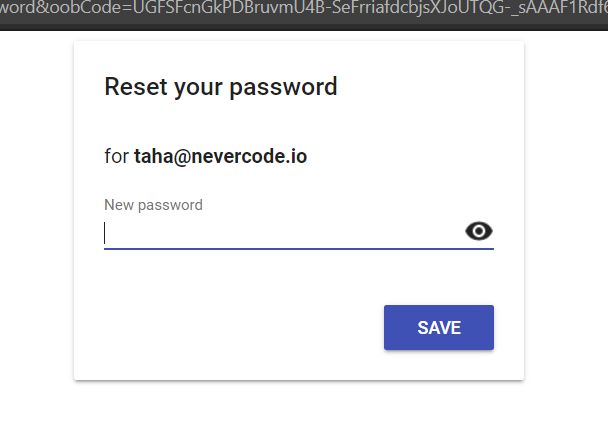
We also moved our reset password flow to use the auth tooling. This was necessary because our old system (the one that was provided by Firebase) looked like this:
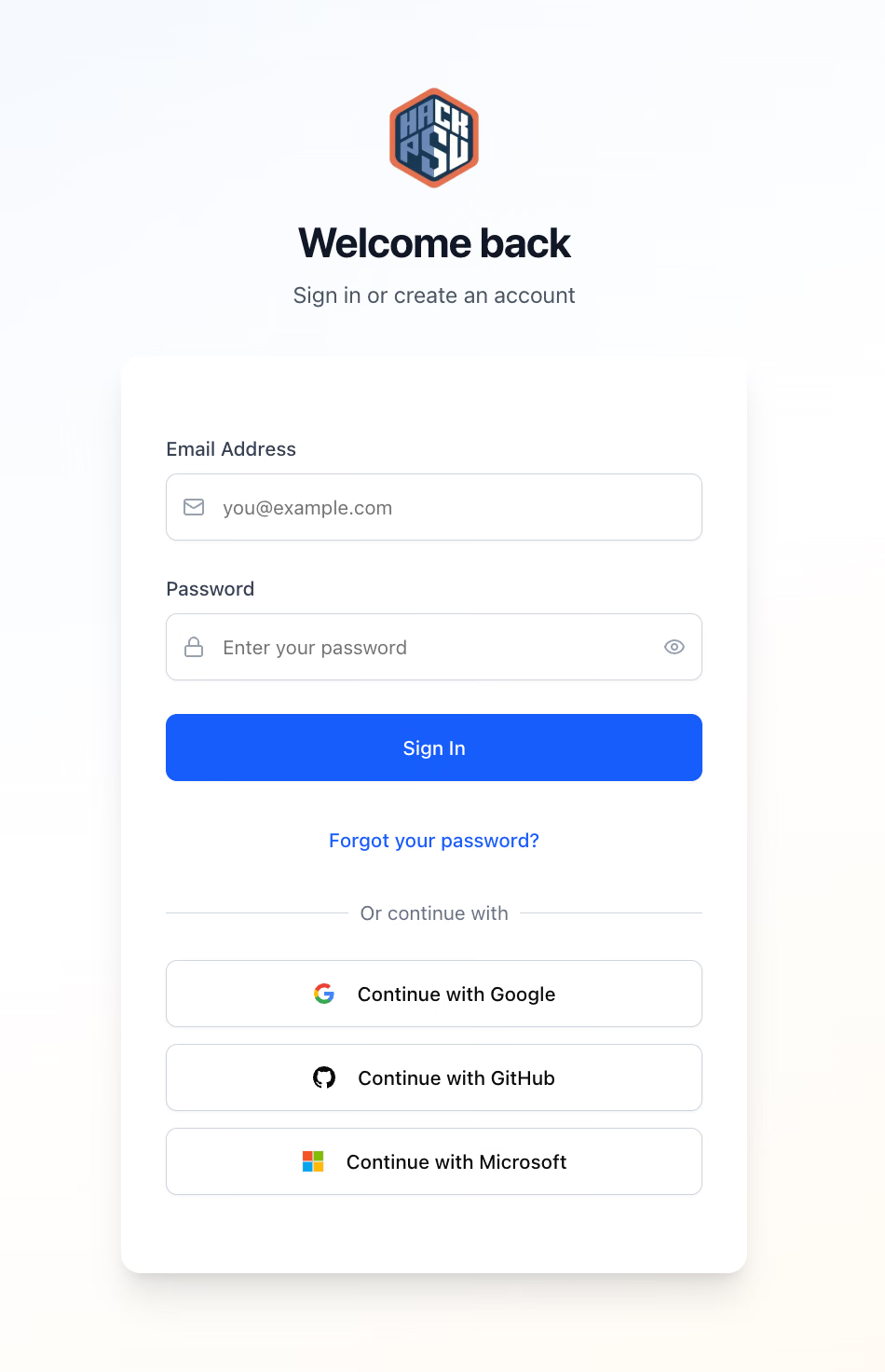
The new unified experience (shown in the cover image) is clean, works across all subdomains, and actually feels like a modern web app instead of a collection of disconnected services.
If you're building something similar, I'd love to hear how you're handling subdomain auth, especially if you've got ideas for scaling this to thousands of concurrent users. The token revocation piece still keeps me up at night sometimes, but hey, that's what makes it fun, right?