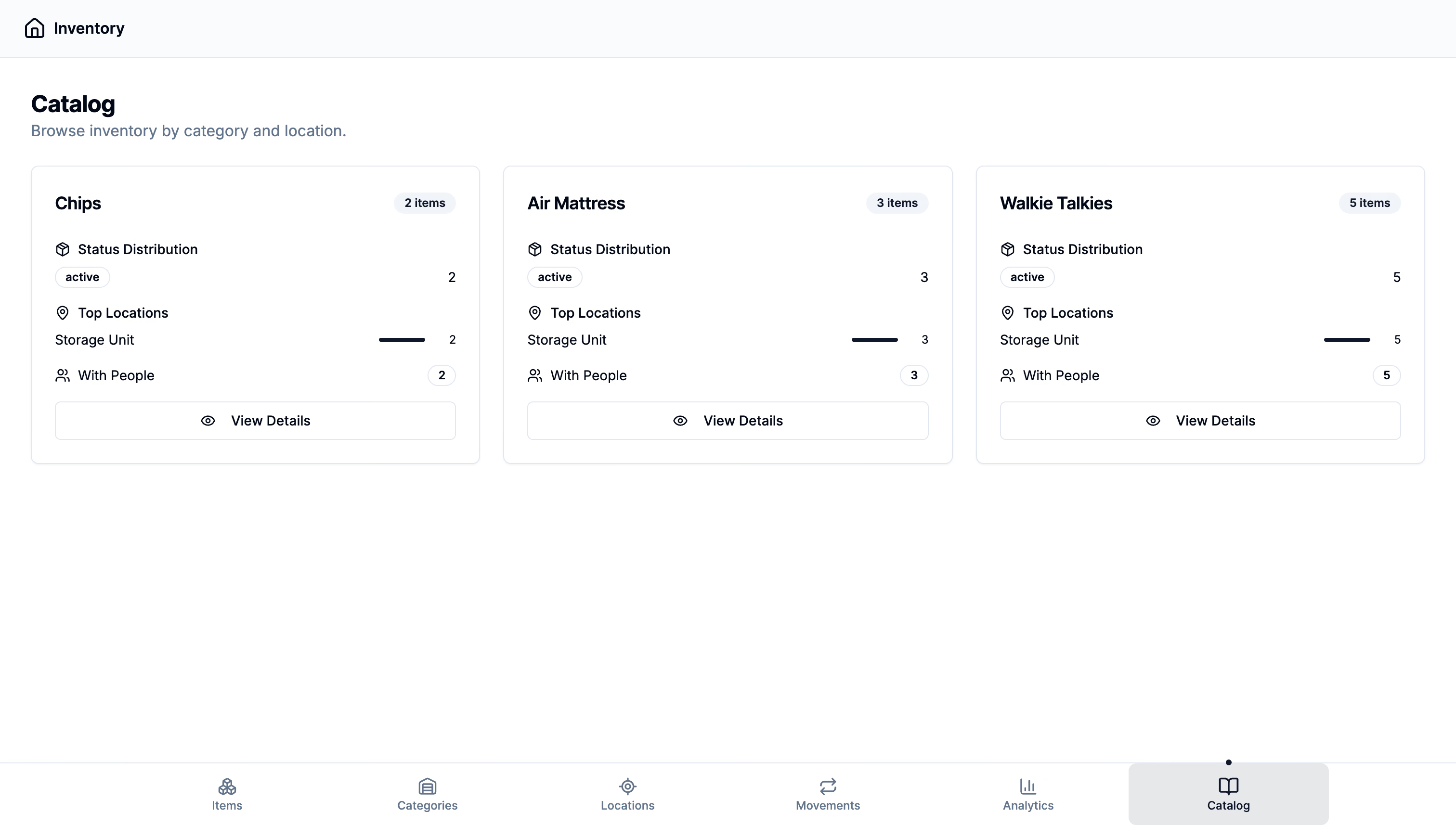
I’ve been working on an ESP32‑based check‑in system that replaces slow QR code scans at workshops with instant BLE detection, a simple “Check In” button in the browser and a reliable backend integration. Organizers no longer need volunteers standing at every door, and attendees get in with one tap on their phone rather than fumbling with a camera.
The Challenge: Faster Attendance, Fewer Volunteers
In the past attendees would line up, open their camera app, scan a QR code, wait for a redirect and click through. That process can take 5–10 seconds per person, and when 100 people arrive at once it turns into a bottleneck. I wanted:
instant detection of devices as people walk in,
a simple UI where the attendee just taps “Check In”,
minimal hardware at each door,
tight integration with our existing auth and event services.
BLE on ESP32 fits the bill. The microcontroller can both advertise and scan, and some modern browsers (Looking at you Apple) support the Web Bluetooth API, so no native apps are required.
Designing the Flow
Drag to pan · Arrow keys to move
Loading diagram…
the attendee navigates to the workshop page in their browser
they tap “Check In” which starts a brief BLE advertisement from the phone
the ESP32 gateway continuously scans for known device IDs
when it sees the phone it calls our /api/checkin endpoint with the user’s ID
the database logs the attendance and notifies the web UI via WebSocket
1. ESP32 BLE Scanning and Advertising
On the ESP32 I use the Arduino framework with NimBLE for low‑power scanning. Here’s a simplified version of the setup:
#include<NimBLEDevice.h>#defineSERVICE_UUID"12345678-1234-5678-1234-56789abcdef0"voidsetup(){Serial.begin(115200);NimBLEDevice::init("CheckIn-Gateway");NimBLEScan*pScan=NimBLEDevice::getScan();pScan->setAdvertisedDeviceCallbacks(newMyScanCallbacks());pScan->setActiveScan(true);pScan->start(0,nullptr);}classMyScanCallbacks:publicNimBLEAdvertisedDeviceCallbacks{voidonResult(NimBLEAdvertisedDevice*advertisedDevice)override{if(advertisedDevice->haveServiceUUID()&&advertisedDevice->isAdvertisingService(NimBLEUUID(SERVICE_UUID))){StringdeviceAddr=advertisedDevice->getAddress().toString().c_str();checkInUser(deviceAddr);}}};voidcheckInUser(constString&deviceAddr){// HTTP POST to our backendHTTPClienthttp;http.begin("https://api.hackpsu.org/api/checkin");http.addHeader("Content-Type","application/json");Stringbody="{\"device\":\""+deviceAddr+"\"}";intcode=http.POST(body);http.end();}
The ESP32 scans indefinitely for BLE advertisements that include our custom service UUID. When it finds one it extracts the MAC address and calls the backend.
2. Web UI with Web Bluetooth API
On the browser side I use plain JavaScript to start advertising for a few seconds when the user clicks Check In.
asyncfunctionadvertiseForCheckIn(){constoptions={services:['12345678-1234-5678-1234-56789abcdef0'],optionalServices:[]};try{constdevice=awaitnavigator.bluetooth.requestLEAdvertisement(options);// The browser advertises for a short period automatically// We rely on the ESP32 to scan and pick us upfetch('/api/checkin',{method:'POST',headers:{'Content-Type':'application/json'},body:JSON.stringify({device:device.id})}).then({...});}catch(err){console.error('BLE advertise failed',err);alert('Please enable Bluetooth to check in');}}document.getElementById('checkin-btn').addEventListener('click',()=>{advertiseForCheckIn();});
Note that not all browsers support Web Bluetooth advertising, Chrome on Android works, desktop Safari does not. I include a fallback QR code option for unsupported browsers.
Benefits and Reflections
Speed: Each check‑in takes under one second, even when 50 people arrive at once.
Volunteer reduction: No need for multiple volunteers scanning at every door.
Seamless UX: Attendees tap one button, walk right in.
Integration: Leverages our existing Backend, WebSocket and database infrastructure with minimal changes.
Cost‑effective: ESP32 boards are under $10 each, and we can use existing phones for the web UI.
Challenges and Improvements
Browser support: Not every browser can advertise BLE. We currently fall back to QR codes for Safari and Firefox.
Device pairing conflicts: Some phones obscure the BLE MAC address. Next iteration I’ll generate a rotating identifier per session.
TL;DR
I built a BLE check‑in using ESP32 and Web Bluetooth that replaces slow QR scans, plugs into our existing Next.js auth and attendance services, gives real‑time counts via WebSockets and leaves room for better device security and broader browser support.